Know who is working on what right now
Built into the same workshop record used by the rest of the team.
 MechAxis
MechAxis feature
A technician sees assigned work, clocks onto one job, completes tasks and inspections, records notes and returns the job to the service team for review. The tablet view keeps customer and finance screens out of the way.
Start 7-day trial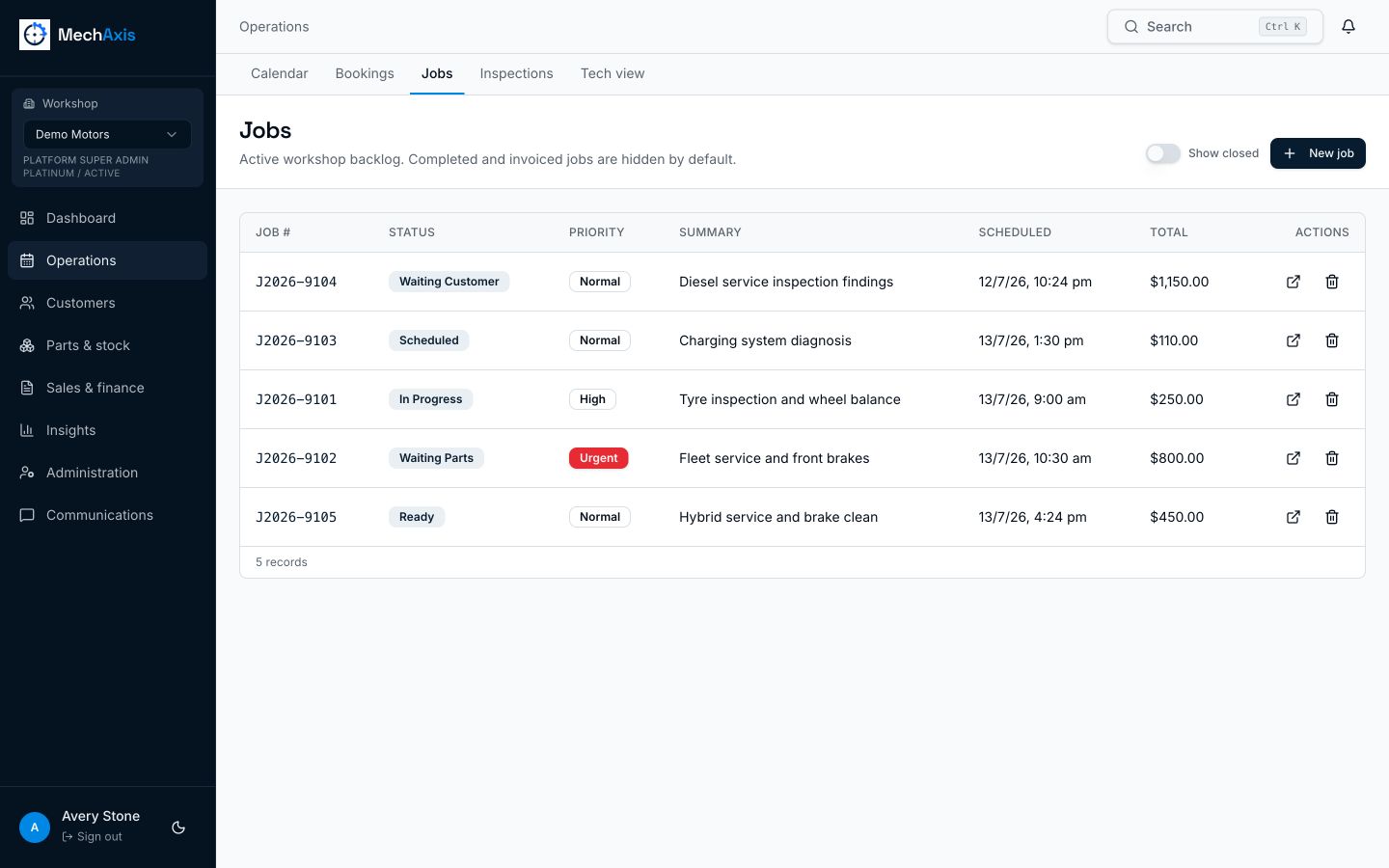
The live MechAxis product, shown with demonstration workshop data.
Built into the same workshop record used by the rest of the team.
Built into the same workshop record used by the rest of the team.
Built into the same workshop record used by the rest of the team.
A queue with ownership Assign work directly or make selected jobs available for a technician to claim. Priority and schedule are visible before the job is opened. Tasks, time and evidence together Technician notes, checklist progress, inspection media and clock entries stay on the job card instead of living on paper or in chat messages. Review before release Finishing technician work moves the job to ready. The service team still controls quality review, invoicing and vehicle release.
No. Technician access is limited to assigned or explicitly available work and the customer and vehicle details needed for that job.
No. MechAxis requires the current job to be stopped before another timer starts.
Yes. Assignments create an in-app alert and appear in the technician work queue.
Seven days, no card required.