Compare invoiced work with money collected
Built into the same workshop record used by the rest of the team.
 MechAxis
MechAxis feature
Choose today, seven, thirty or ninety days, or enter a custom range. The dashboard recalculates revenue, collections, GST, bookings, job completion and payment methods for that period.
Start 7-day trial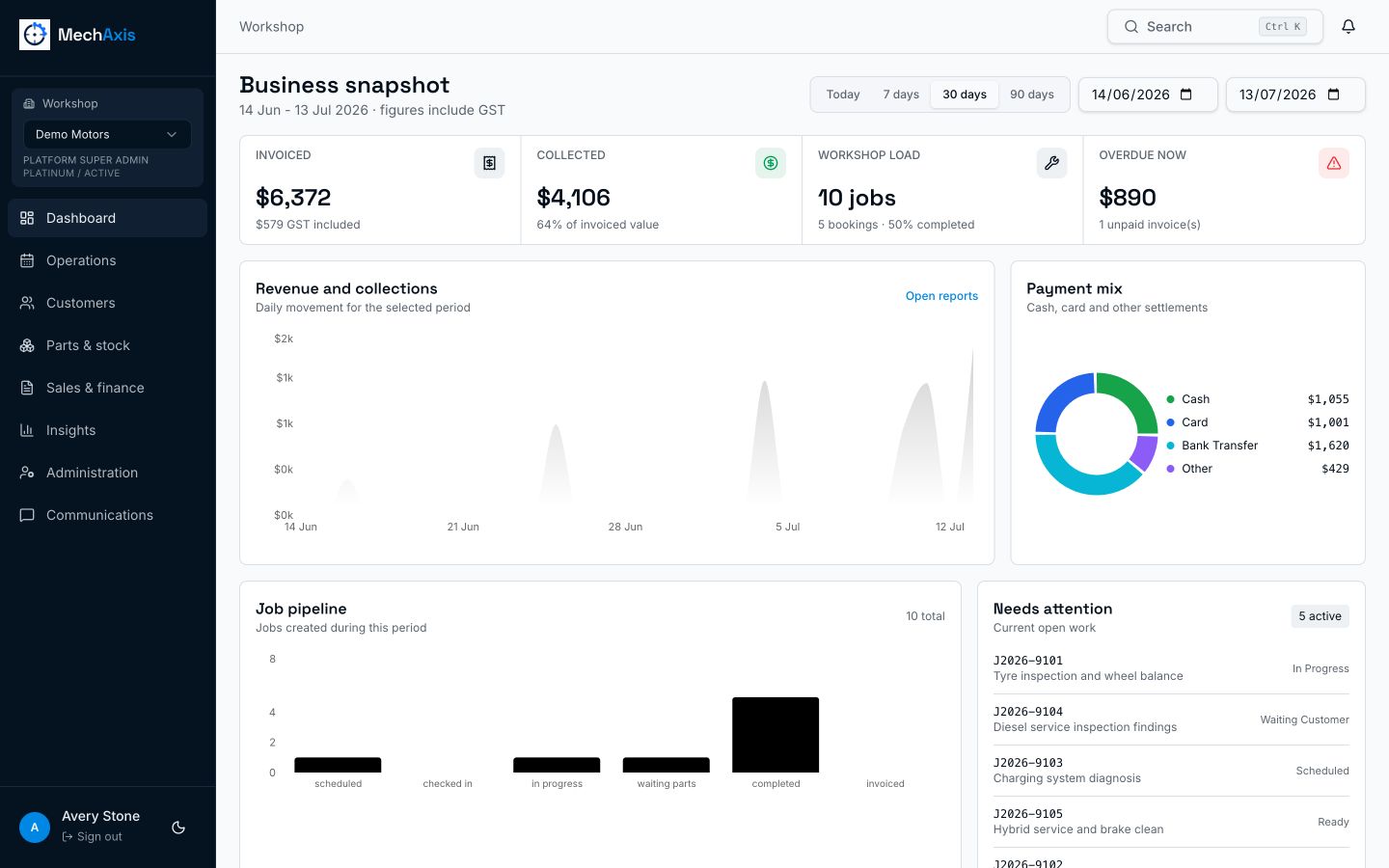
The live MechAxis product, shown with demonstration workshop data.
Built into the same workshop record used by the rest of the team.
Built into the same workshop record used by the rest of the team.
Built into the same workshop record used by the rest of the team.
The date filter changes the figures Charts and totals use the selected period, rather than displaying a fixed lifetime number beside a date control. Operations and finance in the same snapshot Workshop load and job completion sit beside invoiced revenue, collected payments, GST and overdue balances. Access follows responsibility Technicians do not see financial reporting. Owners, managers, accounts staff and auditors receive the views relevant to their roles.
Yes. Payment mix separates cash, card, EFTPOS, bank transfer, cheque and other methods for the selected period.
It affects period-based revenue, collection, booking and job figures. Current overdue and active-work panels remain focused on what needs attention now.
Yes. Operational and financial report views support exports for further analysis and record keeping.
Seven days, no card required.