Save theme preference per user
Built into the same workshop record used by the rest of the team.
 MechAxis
MechAxis feature
Each user can switch between light and dark themes. The preference is saved to their account, while responsive navigation adapts the same role-specific workspace for a front-desk monitor, technician tablet or phone.
Start 7-day trial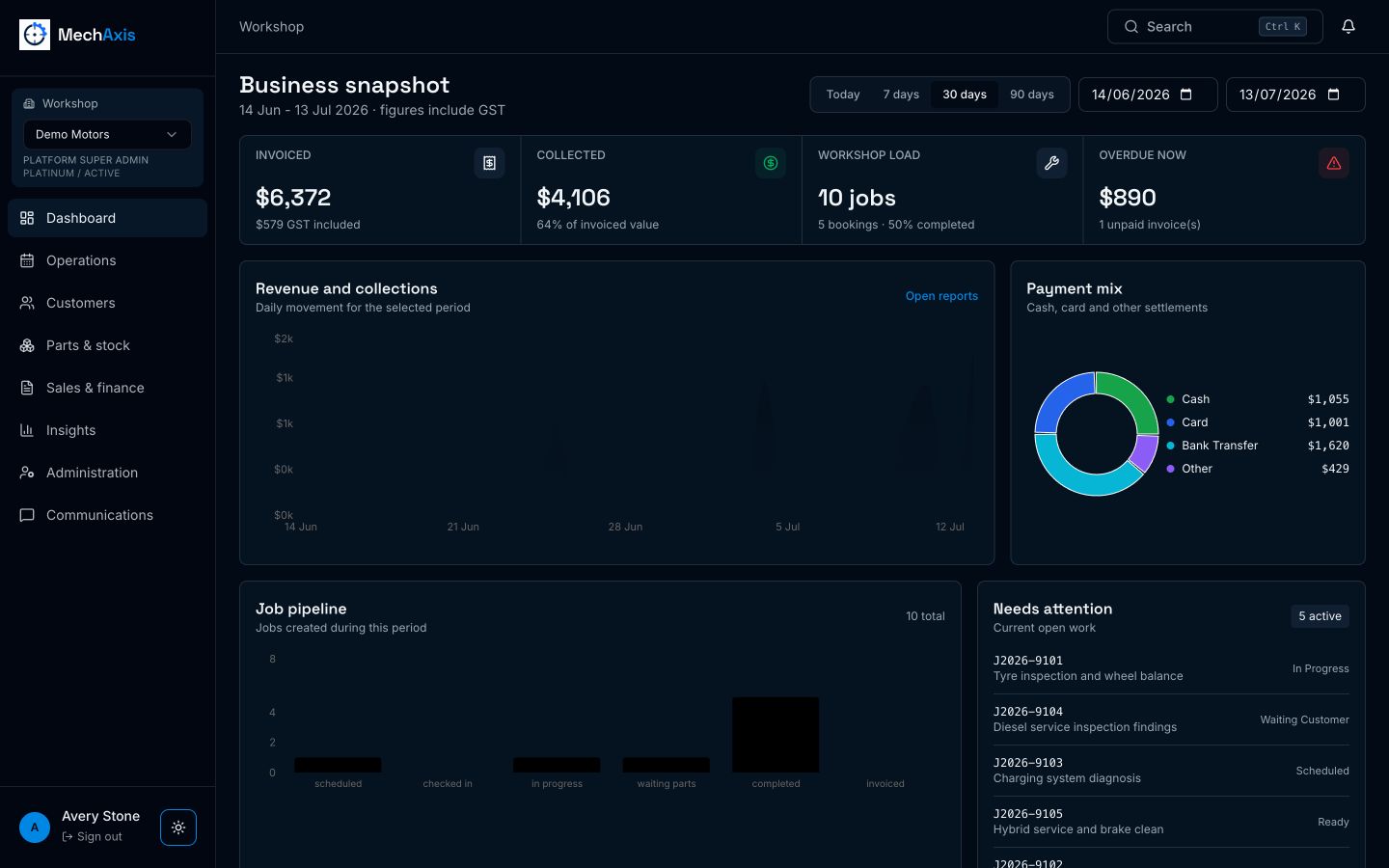
The live MechAxis product, shown with demonstration workshop data.
Built into the same workshop record used by the rest of the team.
Built into the same workshop record used by the rest of the team.
Built into the same workshop record used by the rest of the team.
Light and dark are personal choices Changing the theme updates the current workspace and saves the preference in user metadata. It does not change the workshop for everyone else. The technician screen is touch-friendly Large job controls, assignment alerts, camera upload and task actions are designed for tablets used around a workshop bay. Less navigation for focused roles A technician does not need to scroll past invoices, purchasing and administration links to reach assigned work.
Yes. Light or dark preference belongs to the signed-in user.
Yes. The technician workflow is designed around tablet-sized controls and direct photo capture.
No. Navigation is filtered by role and the modules enabled for the workshop plan.
Seven days, no card required.